



 Certifiedunder the RAG-Based AI Assistant module in the Agentic AI Essentials program.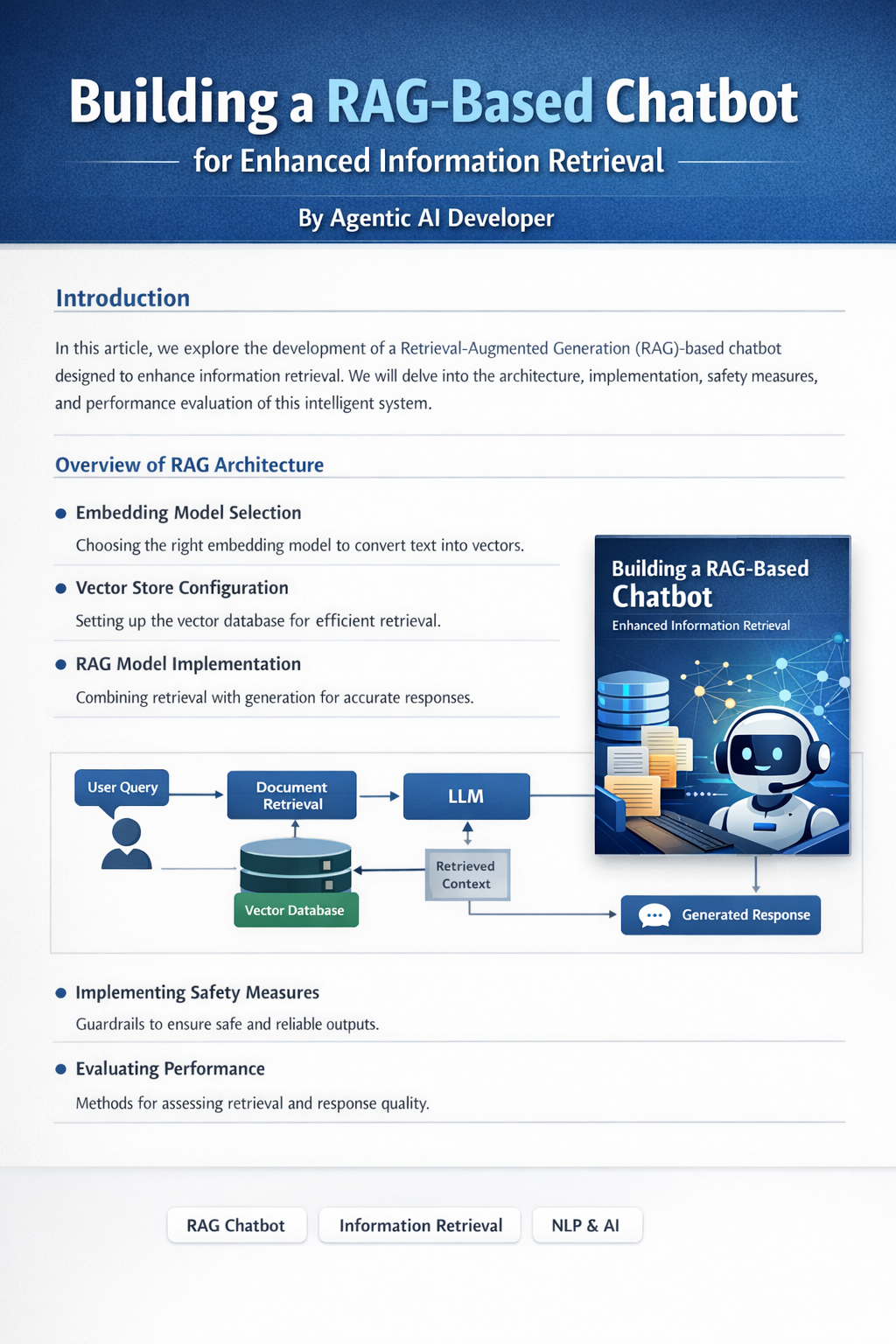
A production-grade Retrieval-Augmented Generation (RAG) system for secure document intelligence, semantic search, and contextual question answering.
Traditional LLM-based chat systems fail in private and enterprise environments due to hallucinations, lack of grounding, inability to operate on private data, and absence of evaluation mechanisms. Generic chatbots cannot reason over proprietary documents, cannot enforce knowledge boundaries, and cannot guarantee answer traceability.
This project implements a Retrieval-Augmented Generation (RAG) assistant that enables grounded reasoning over private documents with strict knowledge boundaries, semantic retrieval, and controlled generation.
The system follows a complete RAG pipeline:
Ingestion → Embedding → Vector Storage → Retrieval → Context Fusion → LLM Reasoning → Guardrails → Response Generation
The LLM is constrained to operate only on retrieved document context.
Document Ingestion Layer
Loads, normalizes, and prepares user documents for embedding.
Embedding Layer
Converts text into dense semantic vectors for similarity search.
Vector Storage Layer (ChromaDB)
Persistent vector database for fast semantic retrieval.
Retrieval Engine
Performs similarity search and relevance ranking.
Context Fusion Layer
Injects retrieved content into structured prompts.
LLM Reasoning Layer
Generates responses strictly grounded in retrieved context.
RAG-chat-with-docs-chromadb/
│
├── main.py
│   # Entry point of the application.
│   # Loads documents into ChromaDB (based on config)
│   # and invokes the LLM for summarization or Q&A.
│
├── src/
│   └── vector_db.py
│       # Handles vector database creation, embedding,
│       # and interaction with ChromaDB.
│
├── raw_data/
│   # Contains sample input documents for embedding.
│   # Currently supports .txt files only.
│
├── properties/
│   ├── vector-config.yaml
│   # Configuration file for vector database behavior.
│   #
│   # Example:
│   # load_into_vector: true
│
│   └── vector_config_loader.py
│       # Utility to load and parse vector-config.yaml.
│
└── README.md
Configuration file:
properties/vector-config.yaml
load_into_vector: true | false
Controls document ingestion, re-indexing, and vector persistence reuse.
Model:
sentence-transformers/all-MiniLM-L6-v2
Selected for semantic quality, low latency, and production suitability for RAG pipelines.
LLM restricted to retrieved context only.
No-context → controlled fallback response.
Local processing, private vector storage, no document leakage.
Context isolation and structured prompts.
All responses traceable to retrieved documents.
Supported providers:
Dynamic provider selection via environment configuration.
.env example:
OPENAI_API_KEY=your_openai_api_key_here
OPENAI_MODEL=gpt-4o-mini

GROQ_API_KEY=your_groq_api_key_here
GROQ_MODEL=llama-3.1-8b-instant

GOOGLE_API_KEY=your_google_api_key_here
GOOGLE_MODEL=gemini-pro
Current:
.txtPlanned:
Use cases:
Architecture supports:


https://github.com/Raghul-S-Coder/RAG-chat-with-docs-chromadb.git